Introduction
This documentation will guide you in building custom modules for the Crosser platform.
Lets start with covering the basic nomenclature & concept.
What´s a Module?
A Module is the smallest part of a Flow. Basically we have 3 types of modules
- Input Modules
- Function Modules
- Output Modules
Input Modules will either create data within it-self, collect data from a data source or receive data from the outside world like HTTP, MQTT, WebSocket etc. Regardless of producing, collecting or receiving data, the Input Modules purpose is to serve the flow with data to process.
These modules can pass data to Function Modules and Output Modules, but never to another Input Module.
Function Modules can be very complex. They all have in common that they will receive data and at some point pass data to the next module(s) in the flow. Receiving and sending is not necessarily a 1 to 1 relationship.
These modules can pass data to other Function Modules and Output Modules, but never to an Input Module.
Output Modules will receive data from other module types and send to external systems like applications/services/databases/etc.
All module types, including output modules, should always send a result out so it is possible to continue building on the result or that we can retry or log any failures. The output should as default contain the data from the incoming messages.
Module UI
When building modules with this SDK a UI is built automatically. It is dependent on the module type and the settings specified, see Module Settings
Modules will be covered in depth later
What´s a Flow?
A flow is just a container for grouping modules together.
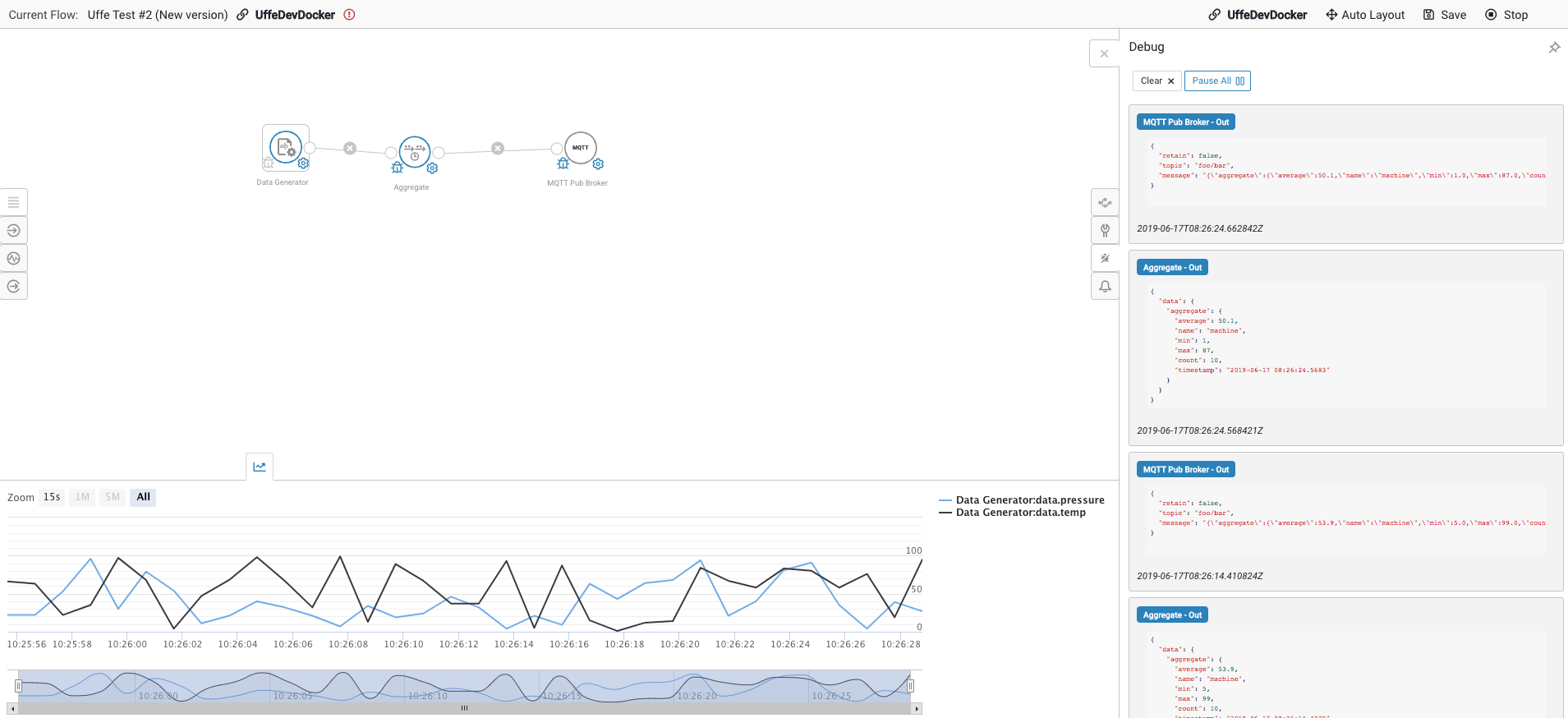
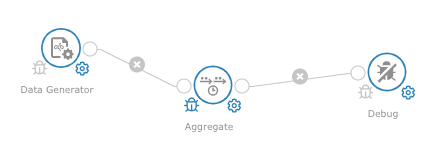
Let´s look at a simple flow (created in our FlowStudio) with one module of each type, just to get a feeling what we are talking about.
The Node
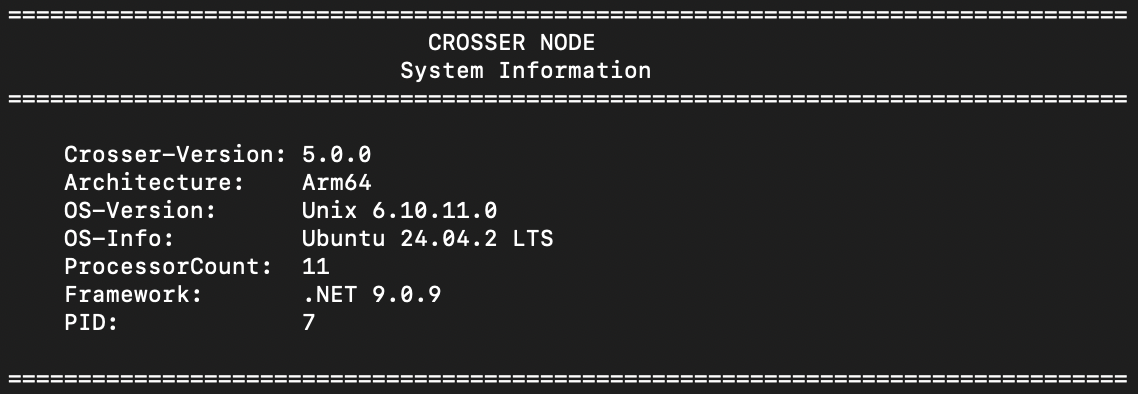
The Crosser Node is the engine that runs your flows. It is responsible for executing the logic defined by your modules, moving data through each step of the flow.
When you deploy a flow, the Node loads the flow definition, instantiates each module, and orchestrates the data through the flow. The Node ensures that each module receives the right data, applies its logic, and passes results to the next module or external destination.
In essence, the Node is the runtime environment for your modules connected in flow, handling message routing, managing resources, and providing the reliability and scalability needed for real-time analytics and integration.
The FlowStudio
The Flow Studio is a drag-and-drop visual design tool where you select and connect pre-built building blocks called modules to develop your flows and the Flow Studio is a central component in Crosser Cloud.