Register Package
Note
You can proceed with this step when your package is indexed at Nuget
To be able to register your package you will need an account at Crosser Cloud with permission to register modules. If you do not have an account visit crosser.io and get in contact with us.
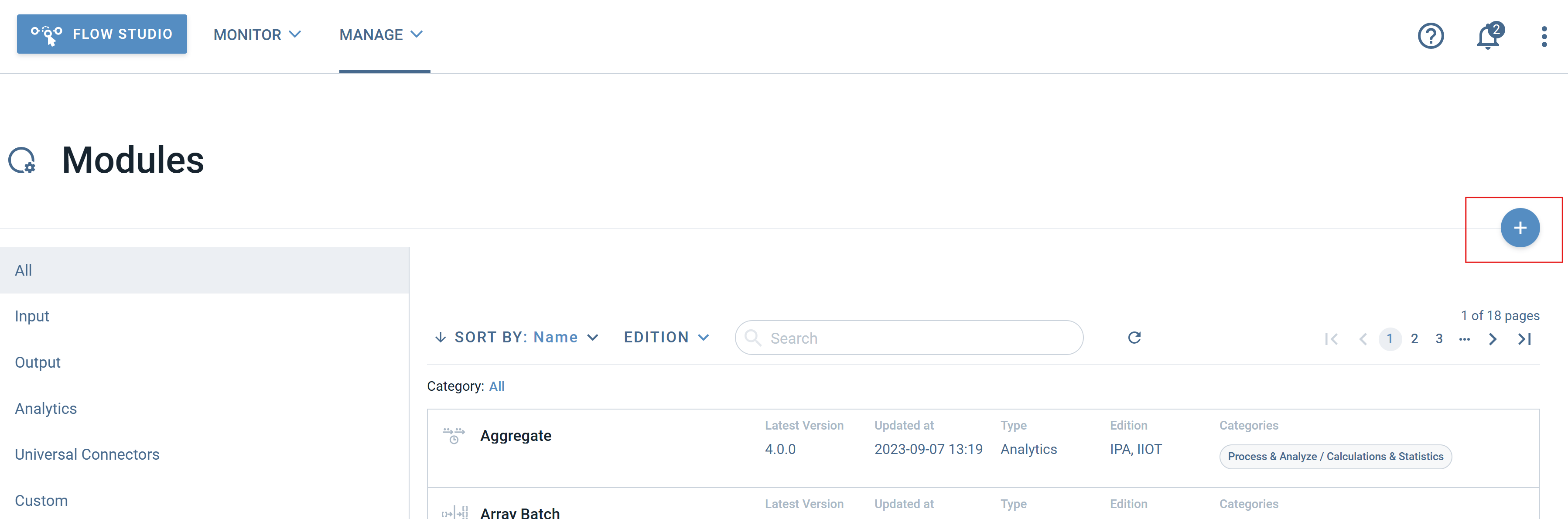
Once logged in, you navigate via the menu Manage and select Modules. Select the + button to register a new package.
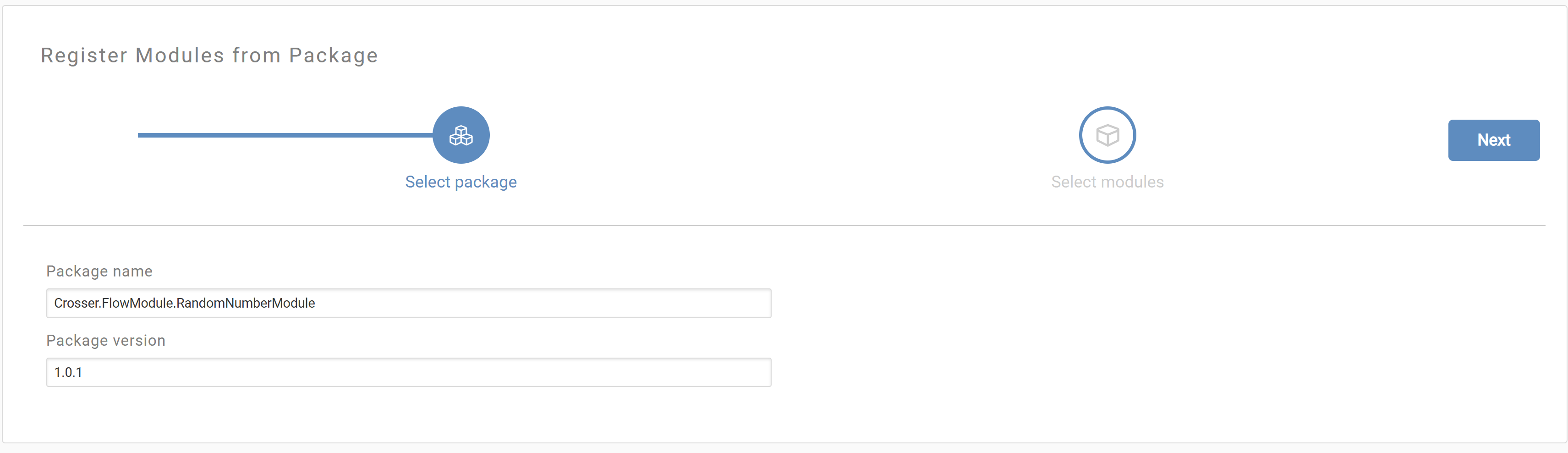
Fill in the name and version number of your package and click on Next to download and analyze your package.
In the next step you will see your module discovered. You can review your settings, documentation and release notes.
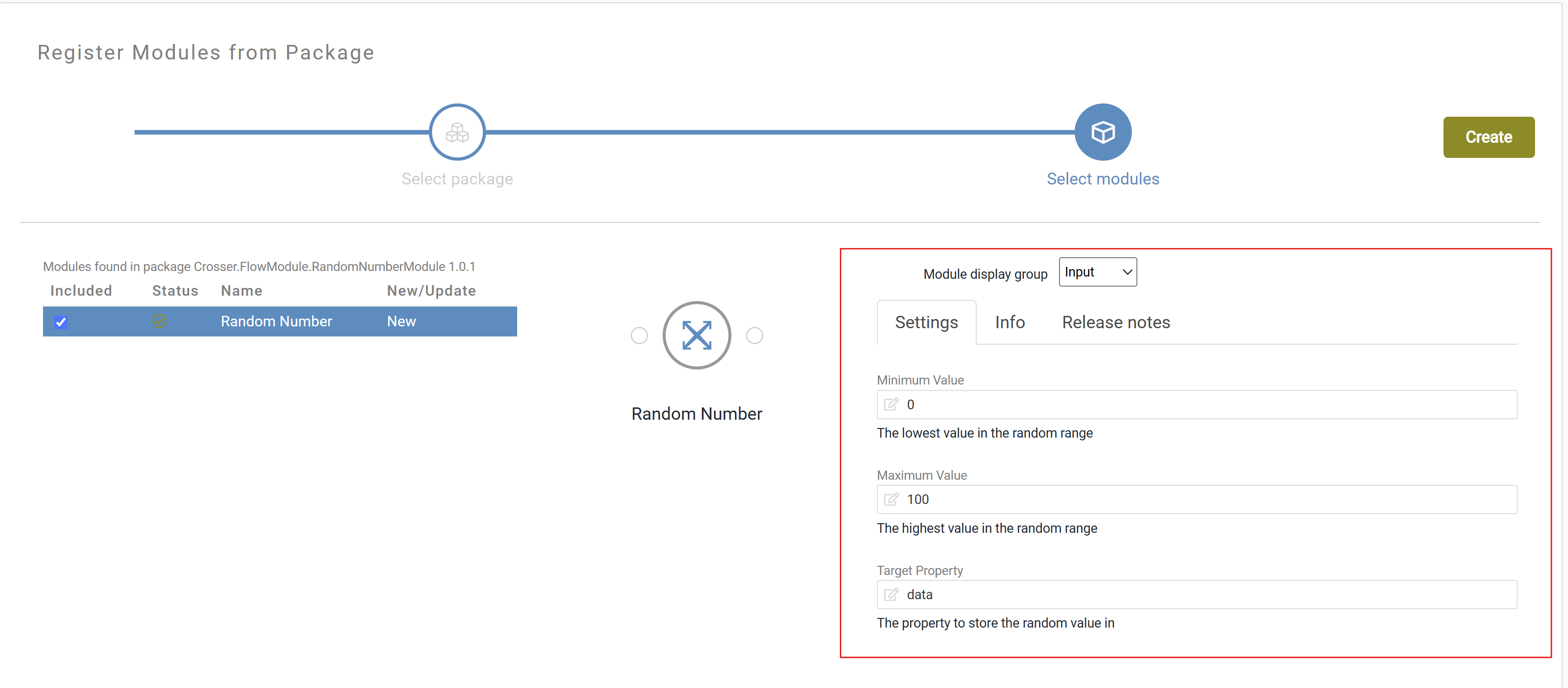
Now just click Create and the package will be registered.
The package is now available in your list of modules in the FlowStudio.
Note
You will need to write the exact package name and a version that is uploaded to nuget.
For example:
- Name: Crosser.EdgeNode.Modules.Http
- Version: 2.0.0
You can´t register a package that is already registered
You can now try your new module in a flow!